Everything you need. Nothing you don't.
Built on QScintilla — a battle-tested Scintilla-based editor engine. Hot-path file I/O and search use Rust for memory safety on untrusted input.
🔒
Password Generator — passwords, passphrases, SSH keys NEW IN v0.1.129
One tab, three pages on a left rail — Password, Passphrase, SSH key (Alt+1 / Alt+2 / Alt+3). Passwords draw from a shell-safe symbol set; passphrases from a 2,048-word list compiled into the binary (11 bits a word). SSH key makes a real OpenSSH pair — Ed25519, ECDSA P-256 / P-384, RSA 3072 / 4096 — with an optional passphrase encrypted the way ssh-keygen does it, an empty comment by default (no user@host leak), the private key hidden until you ask, and Save that sets 0600 before writing and never overwrites. The bits readout is a real count, not a score. Every draw comes from the OS random source through the Rust core; nothing is stored, sent to an AI backend, or visible to MCP. Offline, in every build including Lite.
🔌
MCP — your editor, readable by your AI 49 TOOLS · v0.1.129
A built-in Model Context Protocol server (notepatra-mcp) connects the assistants you already use — Claude Desktop, Claude Code, OpenAI Codex, the OpenAI Agents SDK, and any spec-compliant MCP client — to the running editor. 49 tools in three tiers: read (tabs, selection, search, Noter notes, reminders, read-only Git and SQL, diagram source, saved-connection list/query/tables), act (open, compare, format, navigate, select range, open notes, create diagram, open Noter panel, open Data Analyst, render chart), and write (edit, save, create/append notes, set reminders, replace diagram source, export diagrams, export query results, export chart) — where every write shows an Approve / Deny card inside the editor and does nothing until you click Approve (auto-deny after 120 s, no headless bypass). Local socket + stdio only — nothing leaves your machine. Read the MCP docs →
🤖
AI Assistant (Ctrl+Shift+A)
Local-first AI. Two local dropdown backends: Ollama and llama.cpp (any GGUF). The llama.cpp entry accepts a user-configured URL, so it can reach anything that speaks OpenAI's /v1/chat/completions — any OpenAI-compatible server (those are separate programs you install, not bundled). Explain · Find Bugs · Refactor · Write Tests · Fix JSON · Add Comments · Optimize · Translate. No mandatory API key, no telemetry. Default is local — your code stays on your machine. Cloud LLMs (OpenAI, OpenRouter, Ollama Cloud, Azure OpenAI) are opt-in from the dropdown.
🔎
Project Search (Ctrl+Shift+G)
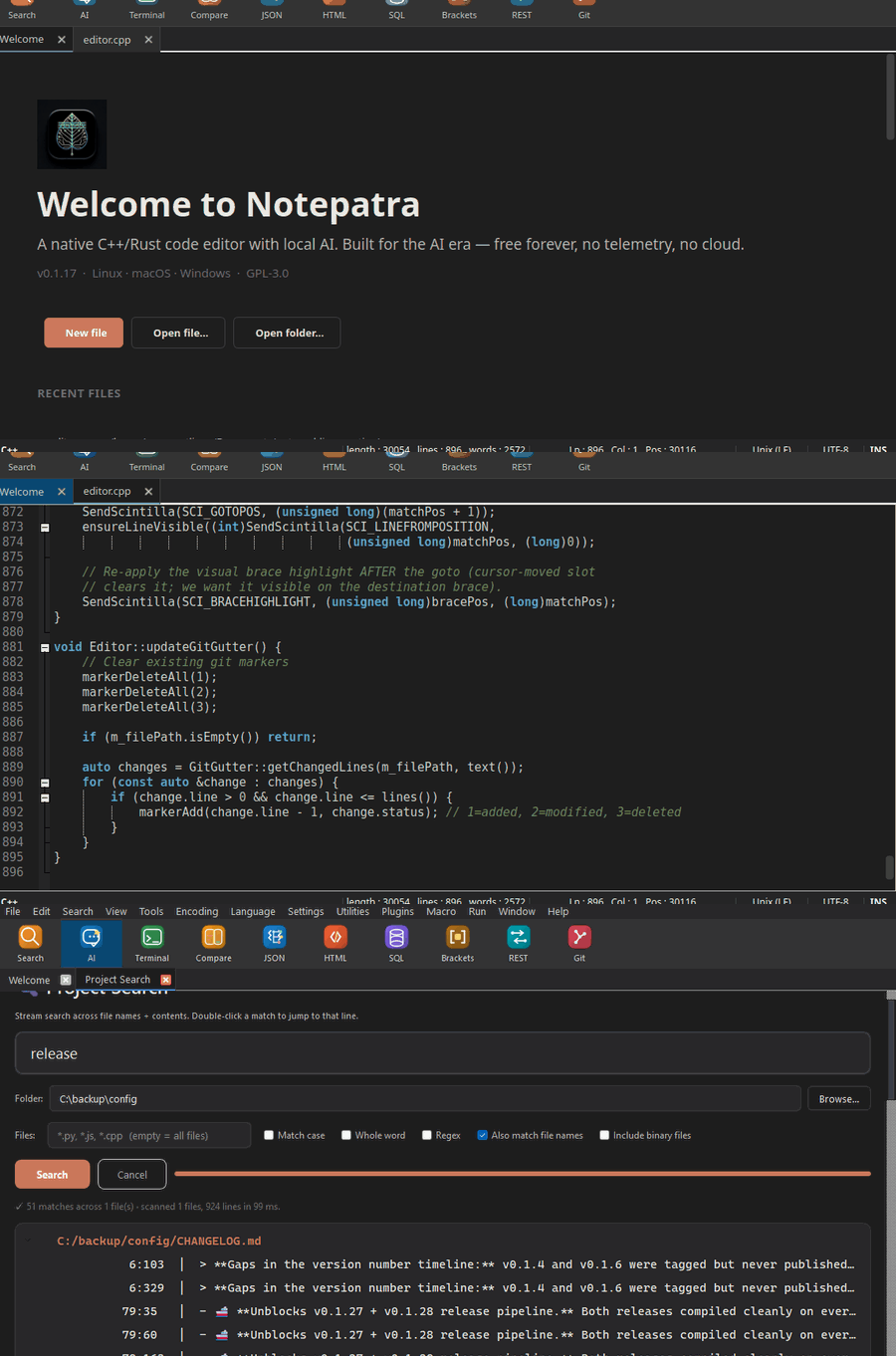
Recursive search across file names AND file contents, project-wide. Streams line by line so memory use stays flat regardless of file size — tested on 2 GB logs. Exact line:col coordinates, double-click a match to jump the caret to the exact character. Any text-based language. Skips binary files with a NUL-byte heuristic.
🗒️
Noter — meeting notes
A local-first, two-pane notes workspace — notes list on the left, editor on the right. No accounts, no bots; notes live in plain files under ~/Documents/Notepatra/Noter/. AI Extract (Ctrl+Alt+E) pulls a summary plus action items, decisions, questions, and risks. Set reminders on any note — or straight from Extract — and they're all collected in a central Reminders list (Overdue · Today · This week · Later) with desktop notifications at the due time while Notepatra is running.
📐
Diagram tool (.npd)
Flow charts, ER diagrams and system designs from a tiny text DSL — the .npd source is the truth, the canvas is a live projection. Describe it in plain English and a local model writes it (review before it touches the canvas), start from a template, or type it yourself — Import Mermaid too, now mapping -.-> and subgraph. Drawn flat, like an engineering diagram: no gradients, no drop shadows, a 1.5 px border and the app’s own font. Two light palettes (paper, slate) join the dark ones, and the new default palette auto follows the app theme. 5 shapes, ~55 hand-drawn icons, labelled + bidirectional arrows, dashed edges (a -.-> b) for the async or best-effort hop, direction LR for a left-to-right layout, group "Label" : a b containers, note cards and a legend box. Export to PNG / JPEG / PDF on every build (plus SVG / HTML / WebP where your Qt supports them). Opens from the toolbar next to Noter. Renders natively in the default binary — every platform, no WebEngine.
🔍
AI Interaction Log
Audit exactly what your AI did — transparency, not just a promise. Every request and response to any backend — local (Ollama / llama.cpp) or cloud (OpenRouter / OpenAI / Azure / Ollama Cloud), including Noter's Extract — is recorded to a local SQLite log you can open and read: timestamp, backend, model, full prompt + response, tokens, latency. Entries auto-prune after 7 days; a credential scrubber masks API keys / tokens / PEM keys before writing. The viewer has filters, Export JSON, and Prune-now. On by default with one-click opt-out in Settings. Zero network egress — purely local. Open from Features → AI Interaction Log…
⚡
Rust-Powered Core
Memory-mapped file I/O. Aho-Corasick search. Myers diff. Tested on 2 GB files. The heavy lifting runs in compiled Rust — no garbage collector, no runtime.
🔄
Safe auto-update
Click Download in the in-app "update available" dialog and the right artifact for your OS + architecture is fetched, SHA-256 verified against the release's SHA256SUMS, and handed to the native installer (MSI on Windows, DMG in Finder on macOS, file manager on Linux). Your current install is never touched by the updater — the OS installer does the swap under its own transactional rollback. Checksum mismatch, cancelled download, network drop, disk full — any failure leaves the running app exactly as it was.
📅
Insert Date / Time
Edit → Insert, or Ctrl+F5. Five formats: 2026-04-20 13:45, 2026-04-20, April 20, 2026, 13:45:09, ISO-8601. Saves keystrokes in logs, changelogs, meeting notes.
🖱
Clickable status bar
Click Language, Encoding, or EOL indicators in the status bar to pop the matching change-menu right where you clicked.
📂
Clean menu organization
Three clear menus — Tools (everything built-in: AI, Terminal, Compare, JSON/HTML/SQL, Git, REST, Bracket), Plugins (third-party extensions YOU add), Utilities (Hash, Measurement). No more guessing where a feature lives.
🔀
Compare with word-level diff
Side-by-side Scintilla diff. Green for added, red for deleted, amber for changed — with LCS-based word-level intra-line highlighting so you see the exact tokens that changed. Dark mode aware. Prev/Next navigation. Ignore whitespace, case, empty lines.
📁
Session Persistence
Close Notepatra, reopen tomorrow — same files, same cursors, same window size. Crash recovery saves unsaved work every 5 seconds by default (interval configurable).
👁
File Change Detection
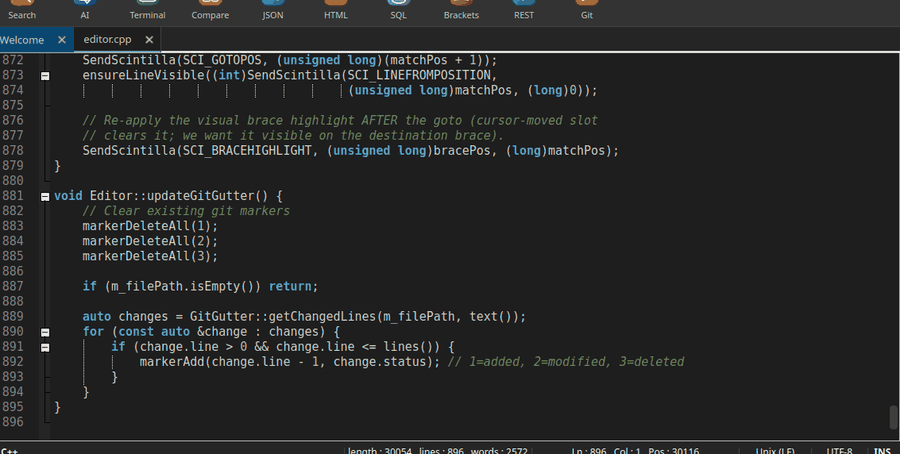
Someone edits your file externally? Notepatra asks: reload or keep yours. Git gutter shows changed lines in green/yellow/red.
🎙
Macro Recording
Record keystrokes (Ctrl+Shift+M), playback (Ctrl+Shift+P), run multiple times, save to .macro files, replay tomorrow.
📑
238 File Types
82 language lexers — Python, Rust, Go, C/C++, Java, JS/TS, SQL, HTML, CSS, JSON, YAML, Markdown, Bash, Fortran, Verilog, MATLAB, LaTeX and more.
🎨
3 Themes + Color Tags
Light, Dark, Monokai. Color-tag any tab (7 colors + custom). Pastel green current line, double-click word highlight in orange.
🧩
Plugin System
Drop a .so/.dll/.dylib in the plugins folder. Simple C API — export 2 functions to create a plugin. JSON, HTML, SQL, Bracket tools all built in.
🔭
Find & Replace
In-document find / replace / extended mode (\n, \t, \xNN) / regex. Ctrl+F to find, Ctrl+H to replace. For searching across multiple files, use Project Search (Ctrl+Shift+G) at the top of this grid instead.